

Loading...
Start with a demo built on your own data.
Book a demoSee how much of its budget each department has used, with numbers that update every day. Departments whose year-end forecast exceeds budget show first, and a reforecast draft starts from the same screen.
Financial planning / FY2026
Annual budget
$9.17M
8 departments
YTD actual
$6.08M
66.3% utilized
Year-end forecast
$9.34M
+1.9% vs budget
Over-plan departments
4
Across 8 department forecasts
| Department | Year-end forecast | Variance |
|---|---|---|
58% | $1.36M | 2.2% |
77% | $0.80M | 11.9% |
63% | $3.23M | 1.8% |
73% | $1.30M | 9.2% |
74% | $1.04M | 5.1% |
59% | $0.47M | 4.6% |
76% | $0.73M | 8.0% |
57% | $0.42M | 3.5% |
Department detail
Year-end variance
−$0.03M
Used ≥ 80% or year-end forecast > budget
ReviewDepartments past 80% or forecast over budget are flagged.
Departments past 80% are emailed to their head at 8:00 AM.
Block spending that would go over budget
AI blocks spending that would push a budget over.
This app was built by describing it. Answer a few questions and get an app you can use the same day, no developers needed.
Explore App builderEvery day I want to see how much each department has spent against budget, and which ones will run over by year-end.
Found 2 ARP modules. A few questions first.
At what point should department heads hear about it?
At 80% of the annual budget
How should the year-end forecast work?
Average monthly spend so far times the months left
What should each department report include?
Its budget, spend so far, and remaining balance
Your app is ready to use.
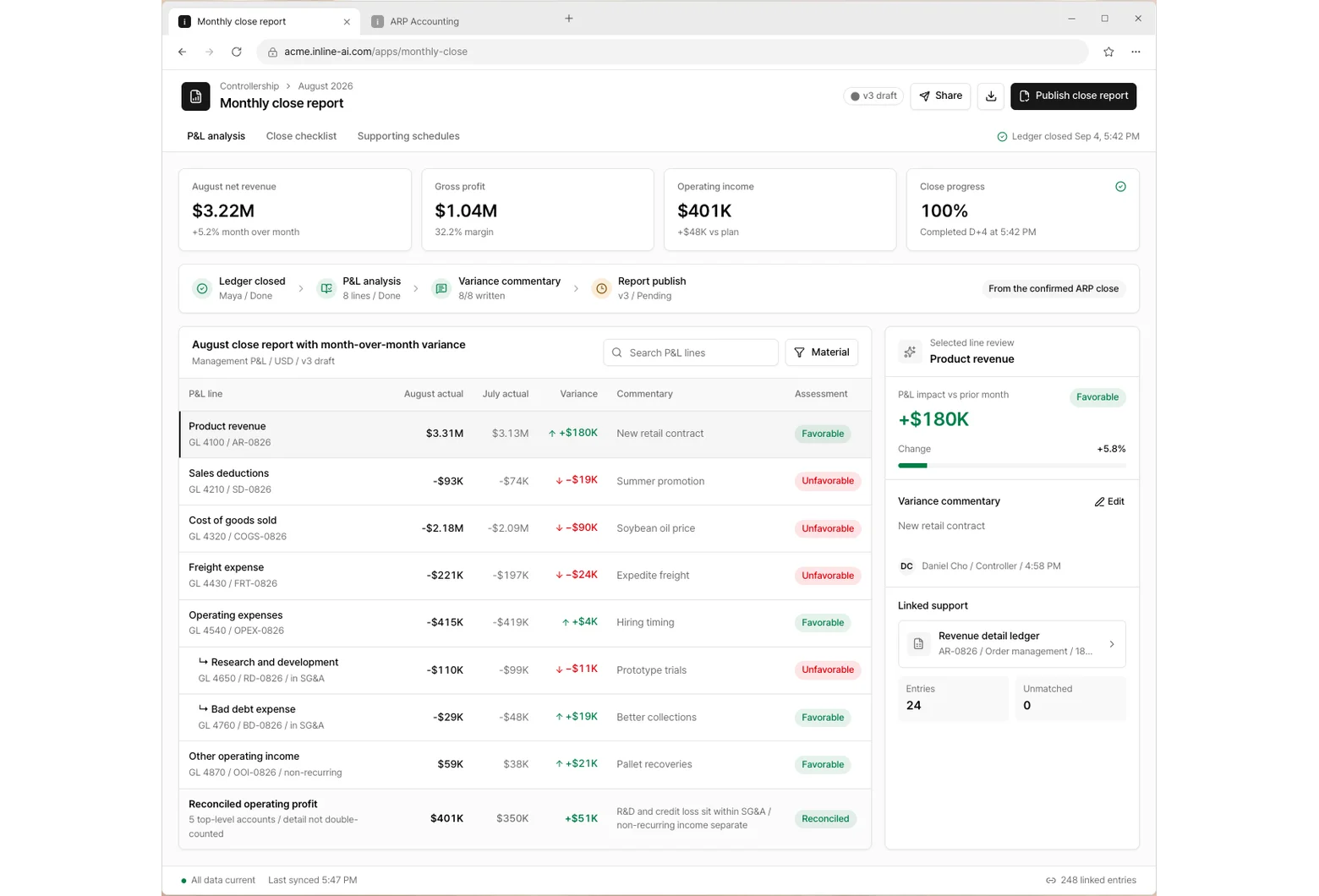
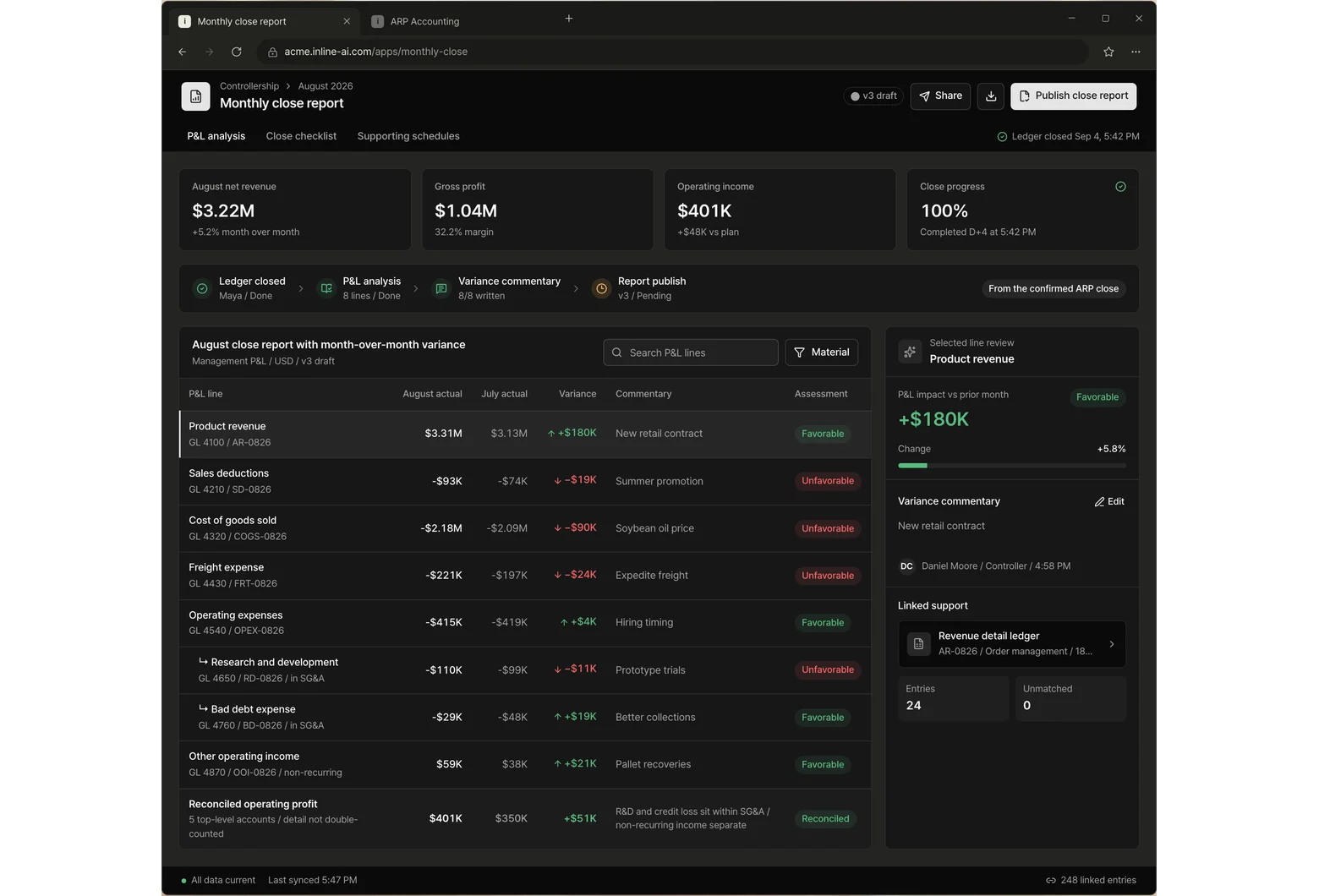
Early each month, the P&L report lands in your inbox with the reason behind every change.
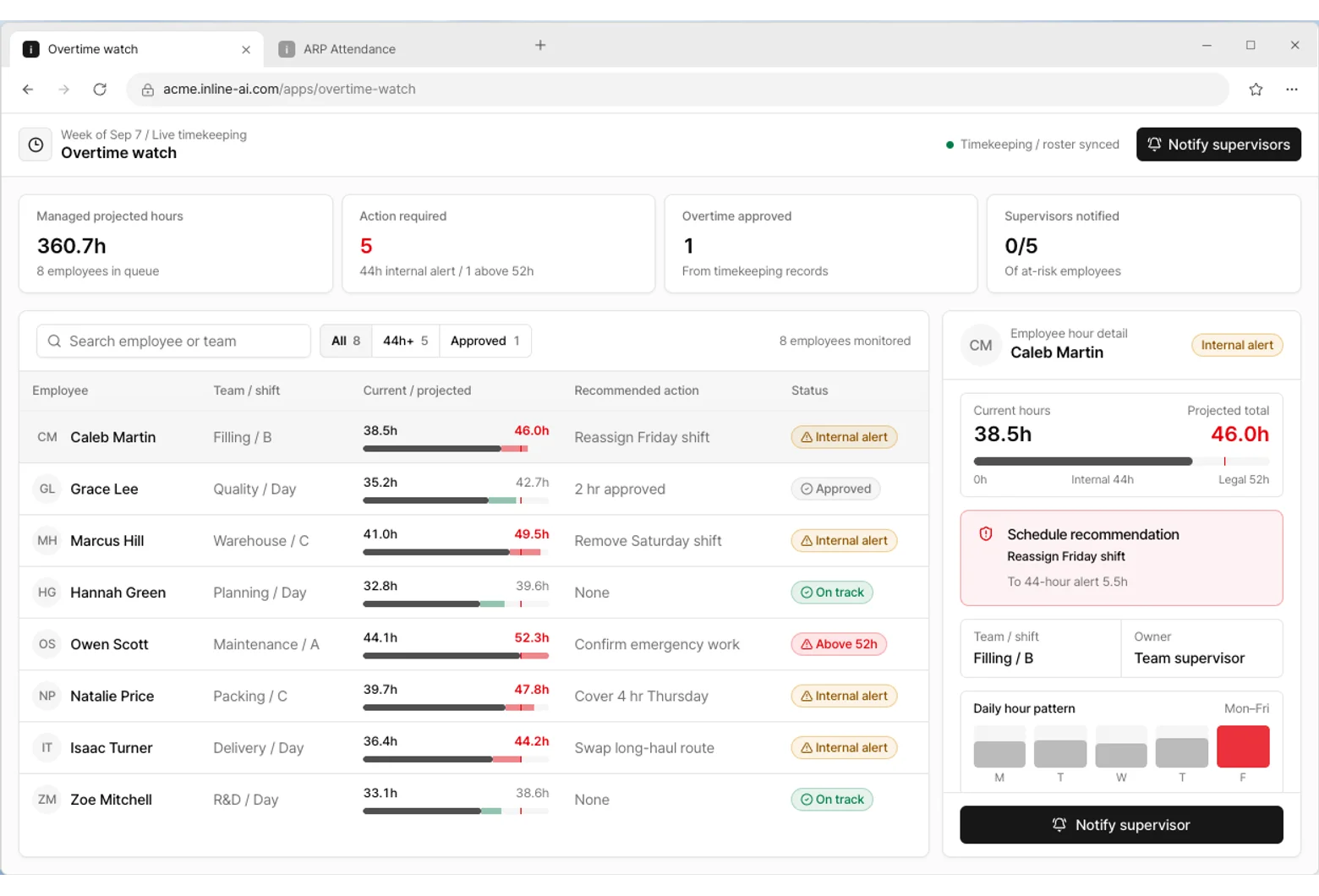
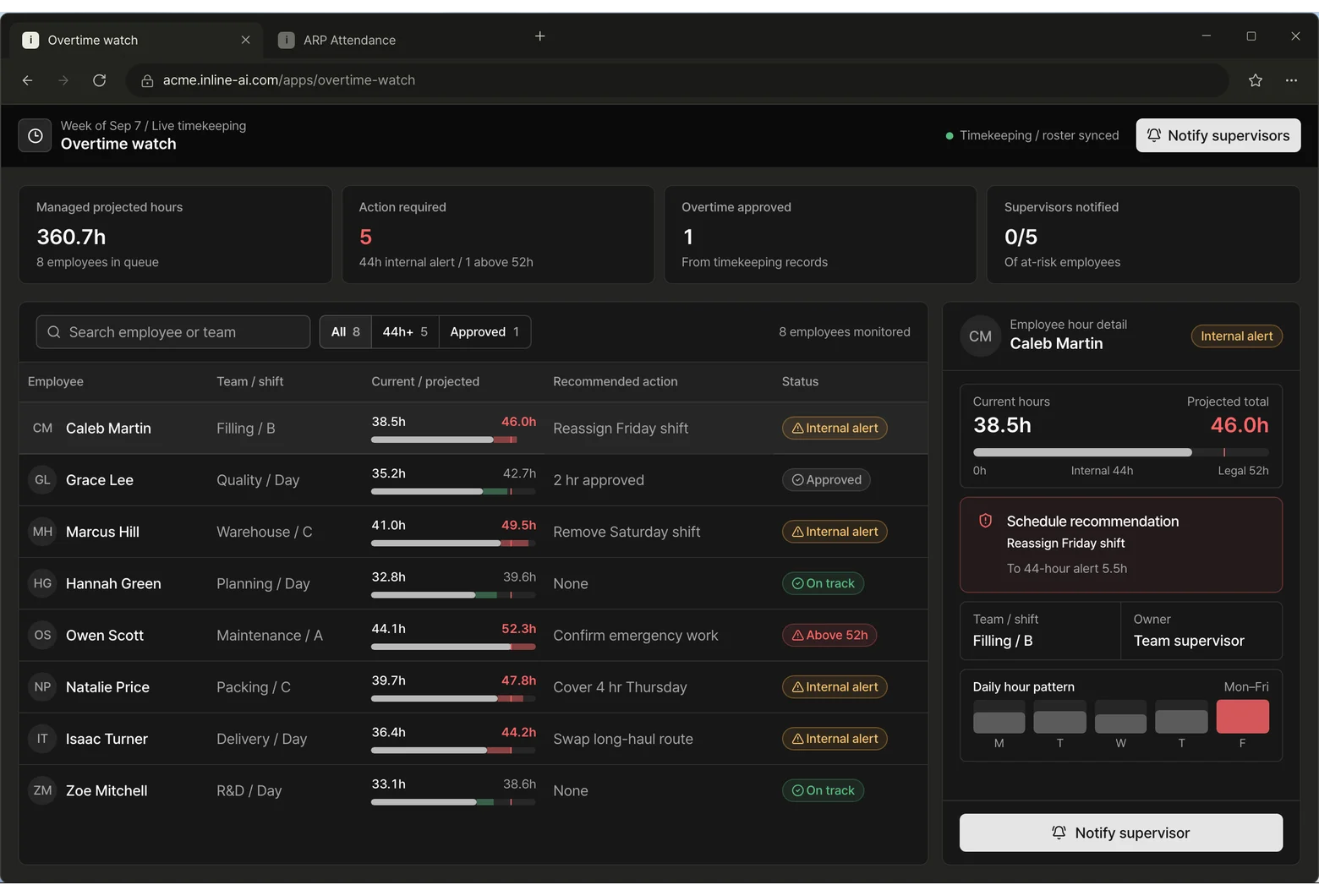
Find the people likely to go over the weekly hours limit, and tell their supervisor early.
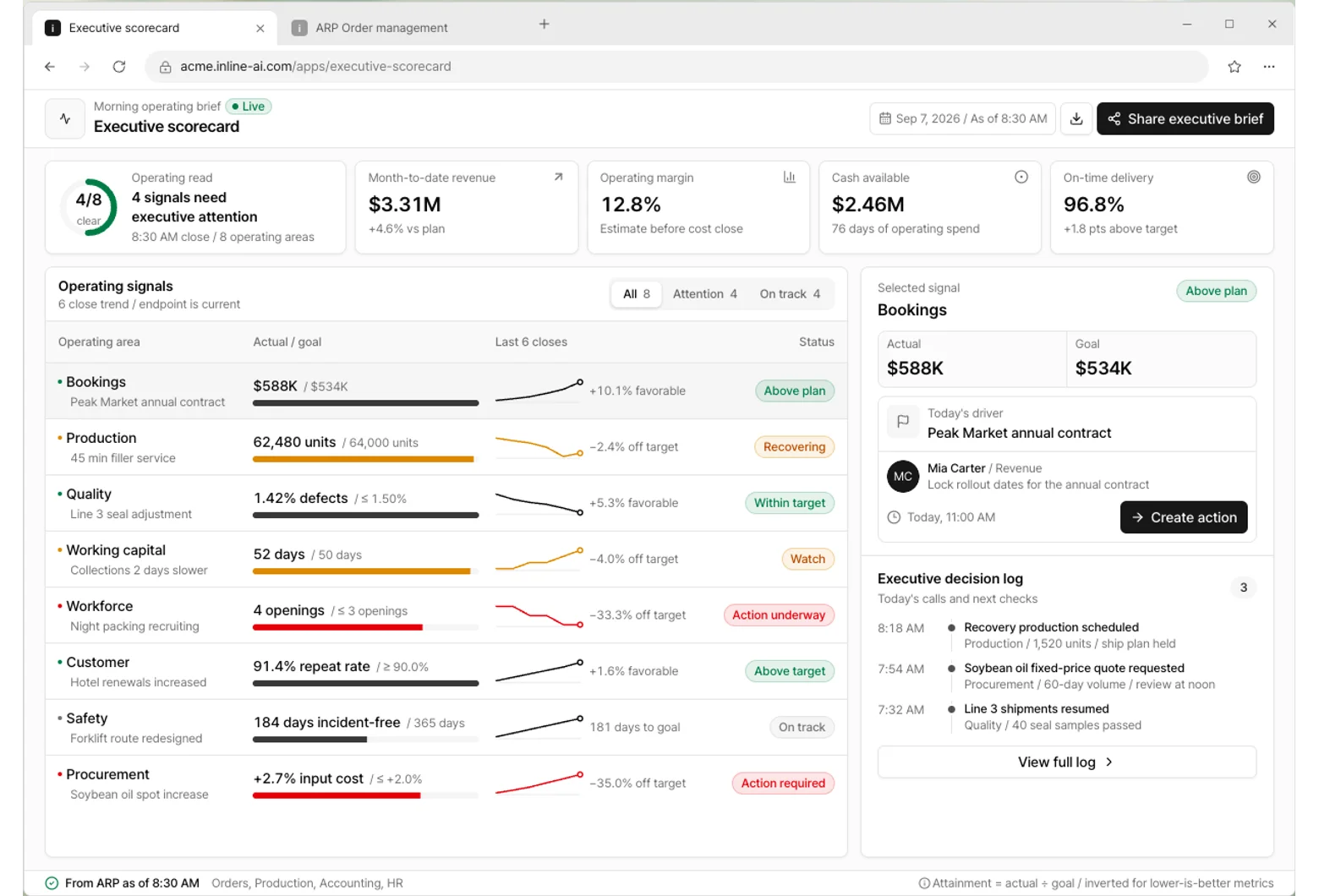
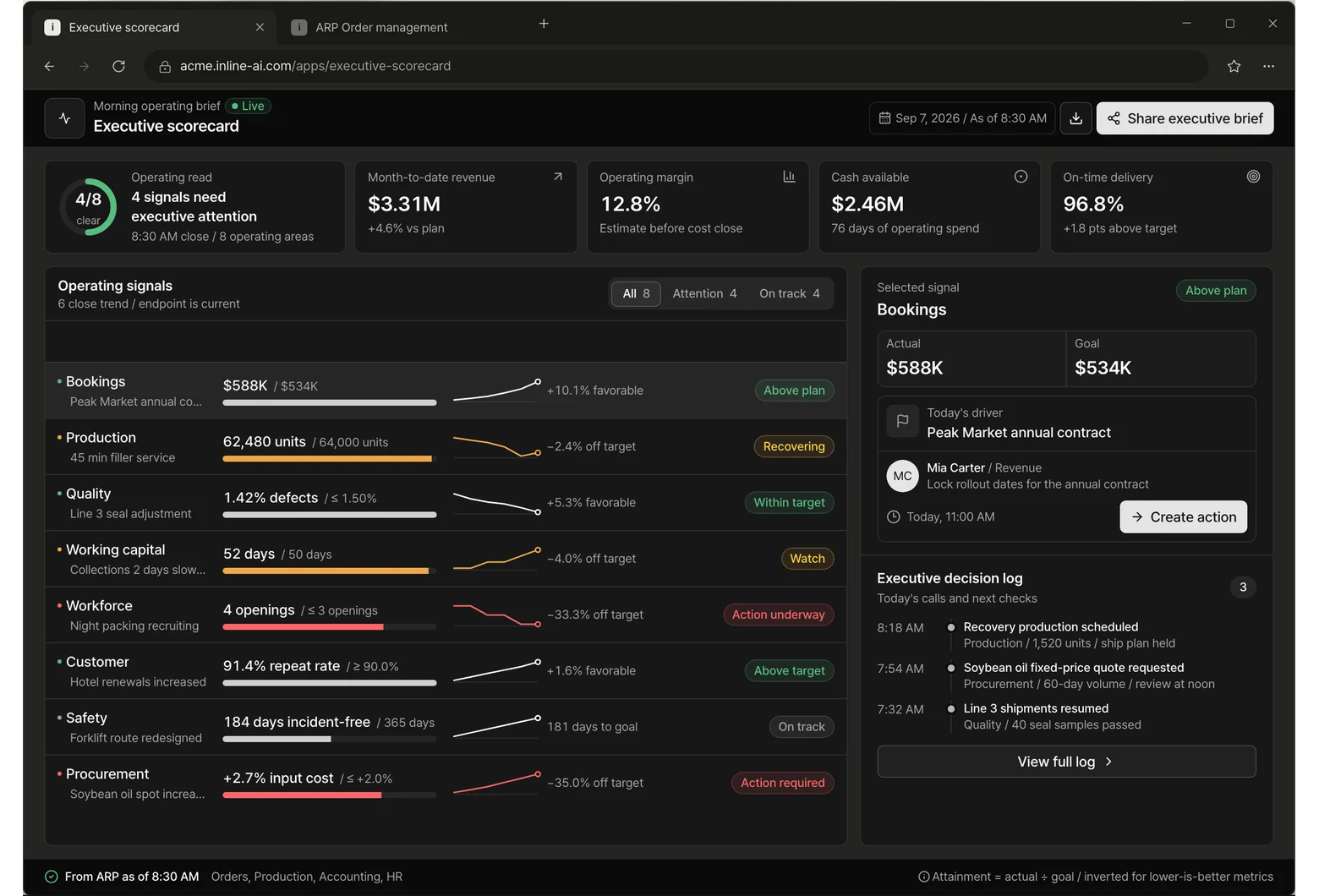
Revenue, margin, cash, and on-time delivery on one screen every morning.