Order · PO / Product · quantity
Connect the two source records needed for order production and shipment status and keep them current.
Customers look up production and shipping status by PO number, and the agent answers delivery questions from the same screen.
Book a demoCUSTOMER DELIVERY PORTAL
On-time forecast
96.8%Orders approved for customer access
Customer portal preview
Soy sauce 1L · 4,800
Northstar DC · Receiving dock 4
Expected arrival
Sep 8 AMERP order, MES production, and carrier dispatch synced 2 minutes ago.
Loading number and driver contact publish automatically after quality release.
Loading
10:42Operator confirmed
10:39Customer visible
10:38Customer contact
Procurement · Sarah Kimpurchasing@northstar.co
Review the current state of order production and shipment status and complete “Share status with customer” from the same workspace.
Connect the two source records needed for order production and shipment status and keep them current.
146 is calculated from the current worklist. 58 due this week.
Review evidence and status on each item, with exceptions brought to the front.
Write the approved result back and retain who changed what and when.
Connect the systems and data you already use in the way your workflow needs.
Operations and finance data
Production and process-state sync
Shipment and delivery-status sync
Inquiry and ticket data
Allocation, picking, and shipment status
Customer identity and order-view permissions
The agent reads a customer complaint email, opens the claim, attaches the lot and shipment, and assigns it to quality.
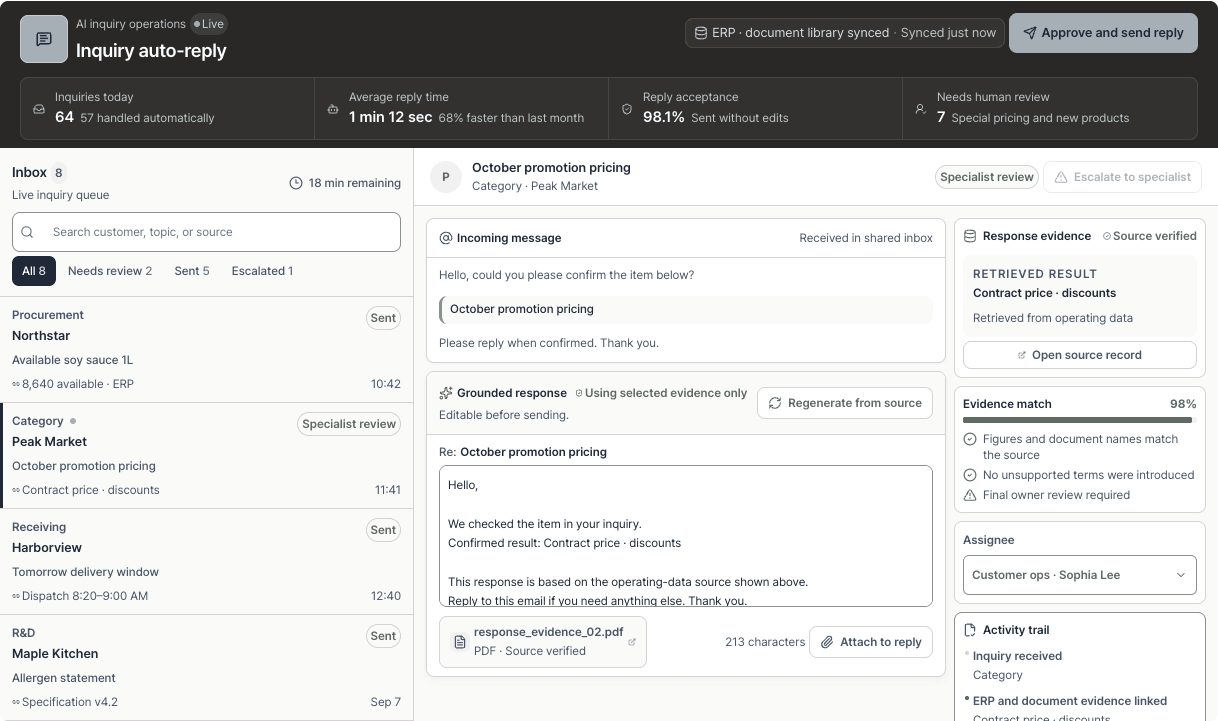
Inventory, pricing, delivery, and quality-document questions get replies grounded in the ERP and document repository.
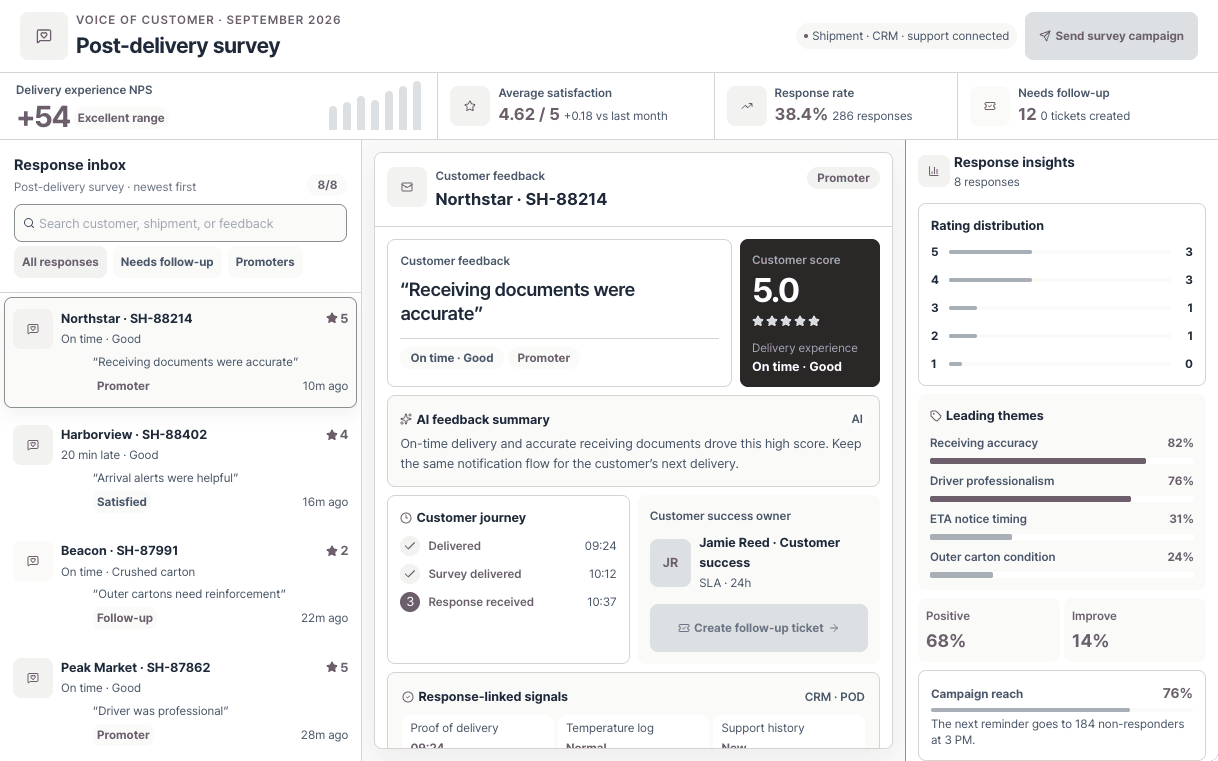
A week after each shipment the agent sends a satisfaction survey and files the answers on the customer record.
Connect the systems and documents you already use, then tailor permissions, exception handling, and approvals to your operation.