
Blog
Get Excel for Free Legally: Check Which Staff Need It, With AI


You can get Excel for free legally in three ways, all from Microsoft: Excel for the web, a time-limited trial of the full version, and the mobile apps. For an individual, the question is simply which one is enough. For a growing company it is a licensing question: the warehouse staff who update a stock count once a day, the drivers who open a delivery list on a phone and the part-time packers probably don't all need a full desktop license, but some of the workbooks they open may depend on macros or features the free versions don't support.
Finding out means opening each shared workbook and checking what it relies on. In the AI Browser, the office manager keeps the team's workbooks open in tabs and asks the AI beside them to do that check.
Checking which workbooks need full Excel, in the AI Browser
The scene: deciding licenses for the warehouse team
Swift Freight is adding six warehouse staff. The office manager wants to know whether they can work with Excel for the web, or whether they need full licenses. They will use four shared workbooks: a stock count sheet, a receiving log, a delivery schedule and a damage report form.
She opens the four workbooks in tabs of the AI Browser and types:
"These four workbooks will be used by warehouse staff. For each one, tell me whether it uses anything that Excel for the web or the mobile app can't run or edit: VBA macros, ActiveX controls, external data connections, or anything else that needs desktop Excel. Explain what would break."
What the AI does, step by step
- Inspects each workbook's contents: file type, macros, form controls, data connections, protected structures and very large ranges.
- Reports per file. For example: the stock count sheet and delivery schedule use nothing unusual; the receiving log is a macro-enabled file whose "New Receipt" button runs a macro; the damage report form uses ActiveX checkboxes.
- Explains the effect: in Excel for the web, the receiving log opens but its macro button does nothing, and the ActiveX checkboxes can't be used.
- Suggests options, such as replacing the ActiveX checkboxes with in-cell checkboxes, so that file no longer depends on desktop Excel.
What the employee checks
She reads the per-file results, confirms with the warehouse lead how the receiving log is actually used, and makes the license decision herself. The AI reports what the files contain; the purchase is hers.
How it stays safe
The AI can open the four workbooks because she can, and inspecting them changes nothing; replacing the checkboxes is a separate request she can make. The request and the AI's findings are recorded, which is useful when the license count is reviewed later.
Fixing the one file that needs desktop Excel
If the receiving log's macro is the only blocker, she can ask the AI in the same tab to rebuild what the macro does with formulas and ordinary checkboxes that work in Excel for the web. It shows the changes before saving, and she tests the file in the browser before the new staff start.
👉 How to Enable Excel Macros Safely, and When to Let AI Do the Job
The three free options, in short
Microsoft does not offer a permanently free version of desktop Excel. These three options are official and legal; each fits a different kind of use.
Excel for the web
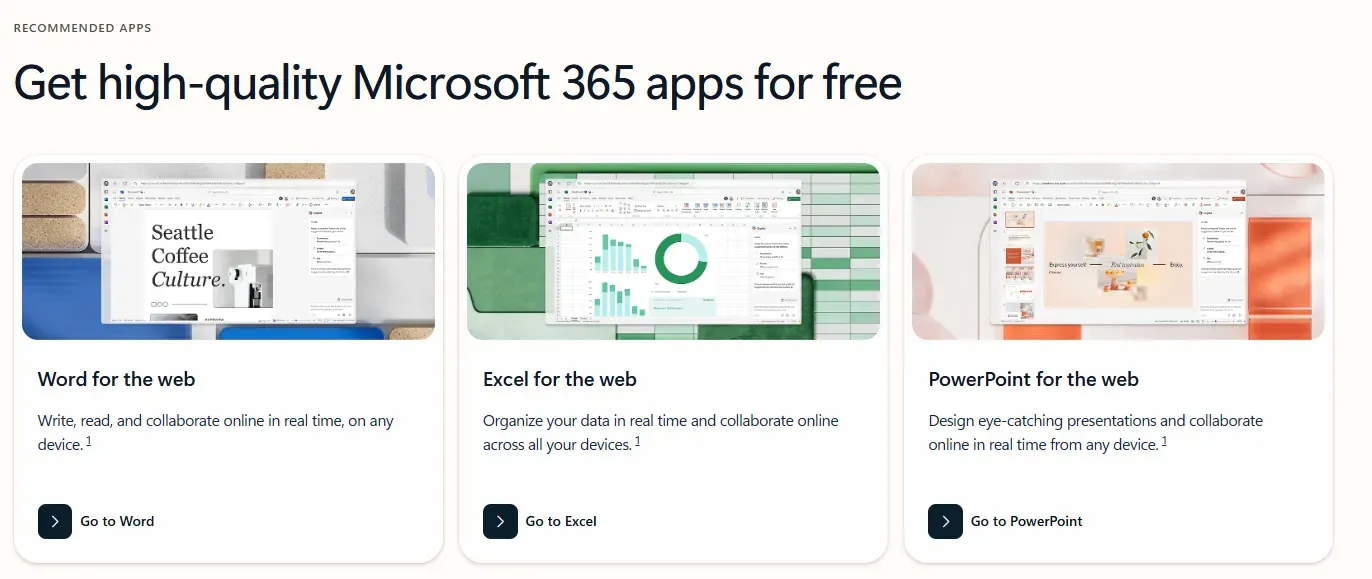
Go to Microsoft 365 for the web (free version)
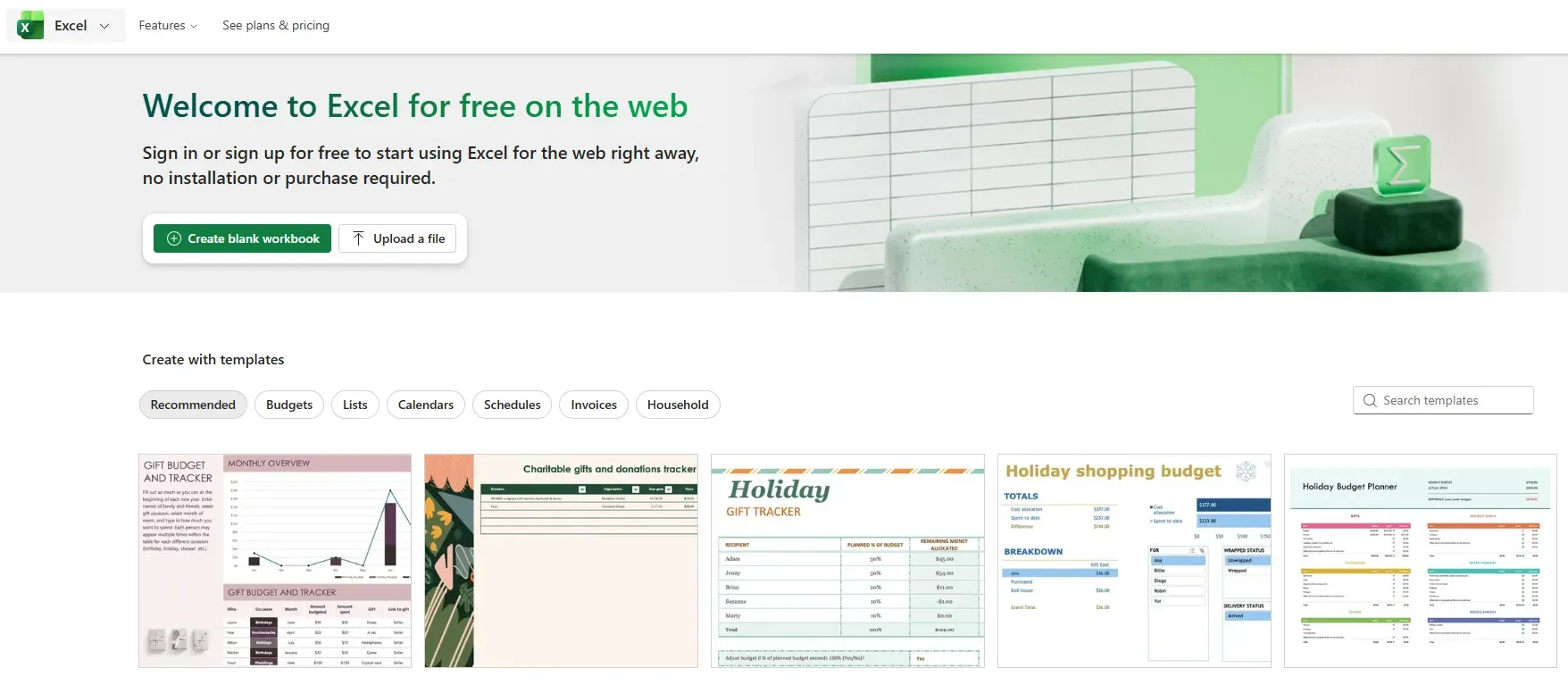
Runs in the browser after you sign in with a Microsoft account. It handles everyday formulas, lists and simple records and works from any device. It does not run VBA macros, some advanced features are limited, large files can be slow, and it needs an internet connection.
The Microsoft 365 trial
Gives temporary access to the full desktop version, including macros and large data. Useful for testing existing files before buying. When the trial ends, Excel stops working unless a paid plan is activated, so check the billing settings.
The mobile apps
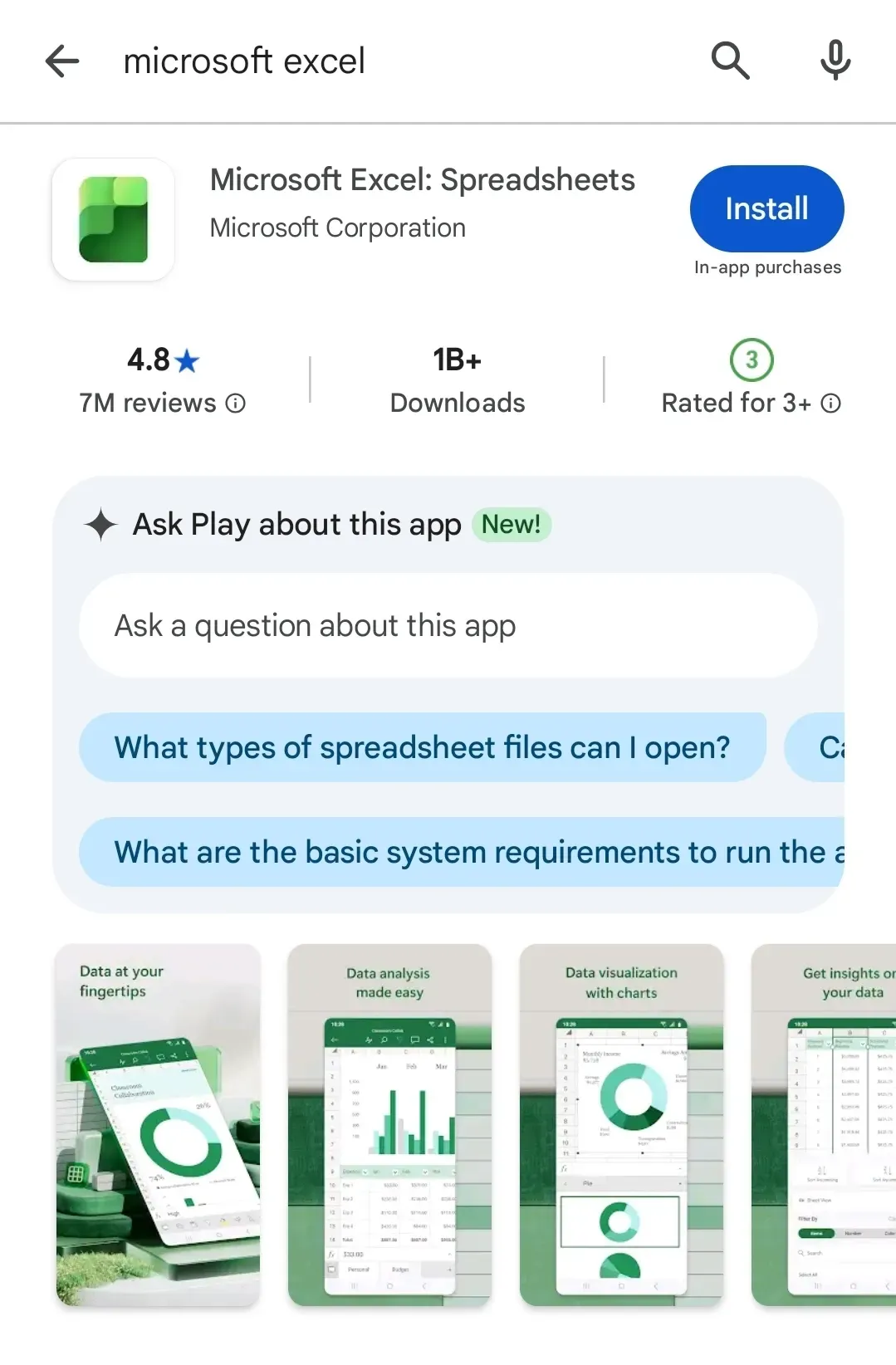
Free on iOS and Android for opening files, small edits and simple formulas. Good for checking a list on the move, not for building or maintaining workbooks.
Avoid unofficial "free Excel" files
Sites offering free full versions or activation files are distributing cracked software. In a business that is both a security risk and a licensing problem. Use only Microsoft's own options.
Free Excel: frequently asked questions (FAQ)
Q. Can staff use Excel for the web for company files?
Yes, for files that don't rely on macros, ActiveX controls or desktop-only features. Check the shared workbooks first.
Q. What happens to a macro-enabled file in Excel for the web?
It opens, but the macros don't run.
Q. Does the AI decide which licenses we buy?
No. It reports what each workbook contains and what would stop working; the decision stays with the person responsible for licenses.
Q. Is our company data used to train AI models?
No. Company data is stored on AWS and is not used for training, and an eZDR agreement means the model provider stores neither prompts nor files.
Checking workbooks with inline AI
Choosing between Excel for the web, the trial and the mobile apps is easy once you know what each workbook needs; finding that out file by file is the slow part. In the AI Browser, the employee keeps the workbooks open and asks the AI beside them which features each one relies on, then makes the decision with that list in hand. The work runs inside the company's accounts, permissions and approval policies, and every action is recorded in the audit log.
In the AI Browser, this takes one request
inline AI OS is a work browser where your team keeps company files open and hands the task to the AI beside them. Book a free consultation to see how it fits your operations.
Book a free consultation